Gadgets
A gadget is a small application or add on that you can pin to your dashboard or panes for quick access.
Click the settings icon to access the gadget management options.
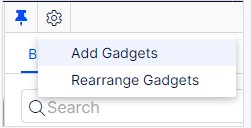
You can then add, rearrange (drag and drop) or remove gadgets from your dashboard or panes.
You can create tabs in your dashboard to manage your gadgets – select new tab, rename tab then add your gadgets.
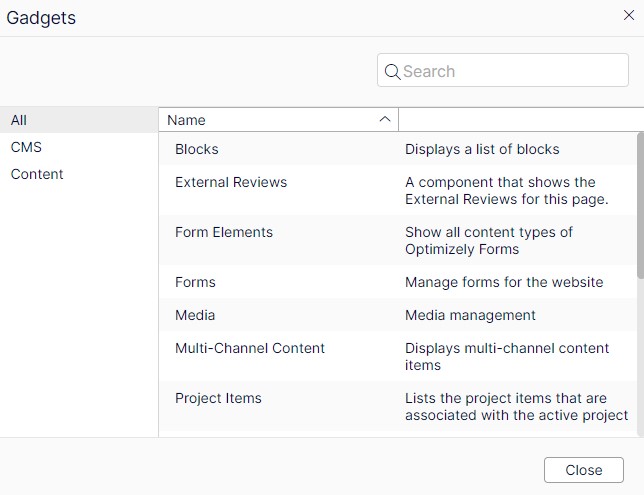
- Blocks – used to access blocks (default in the assets pane).
- External Reviews - a component that shows the External Reviews for this page
- Form Elements – displays the forms elements that can be used when creating a form (default in the assets pane if the Forms add-on is installed).
- Forms – used to access forms (default in the assets pane if the Forms add-on is installed).
- Media – used to access media files (default in the assets pane).
Project Items – used to view items belonging to a project. You can multi-select and mark items as Ready to Publish from this gadget. - Sites – displays the page tree for the website.
- Recent – displays items you have viewed during your current browser session.
- Recently changed – displays recently changed content on the website.
- Tasks – displays tasks to be done on the website. This gadget lets you filter items on status. You can, for example, see a list of all items set as Ready to Publish.
- Versions – used to manage content versions. See also Compare versions of content for more information on working with versions.